How it works
One QR code.Every guest’s photos.
You put one QR code on the tables. Guests scan it with their phone camera and add their photos and videos to your private gallery, with no app to download and no account. Afterwards you download every original.
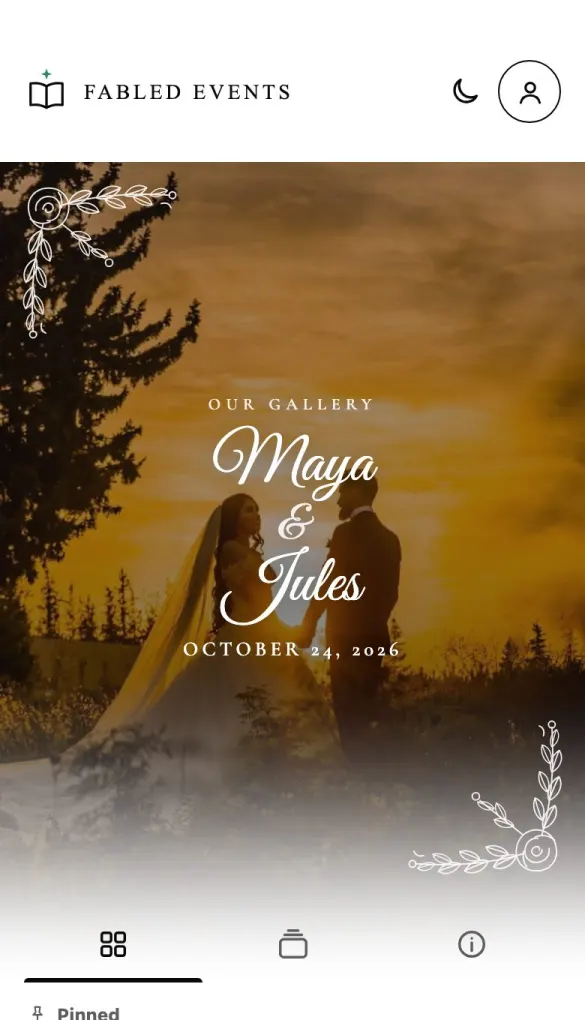
For you, the host
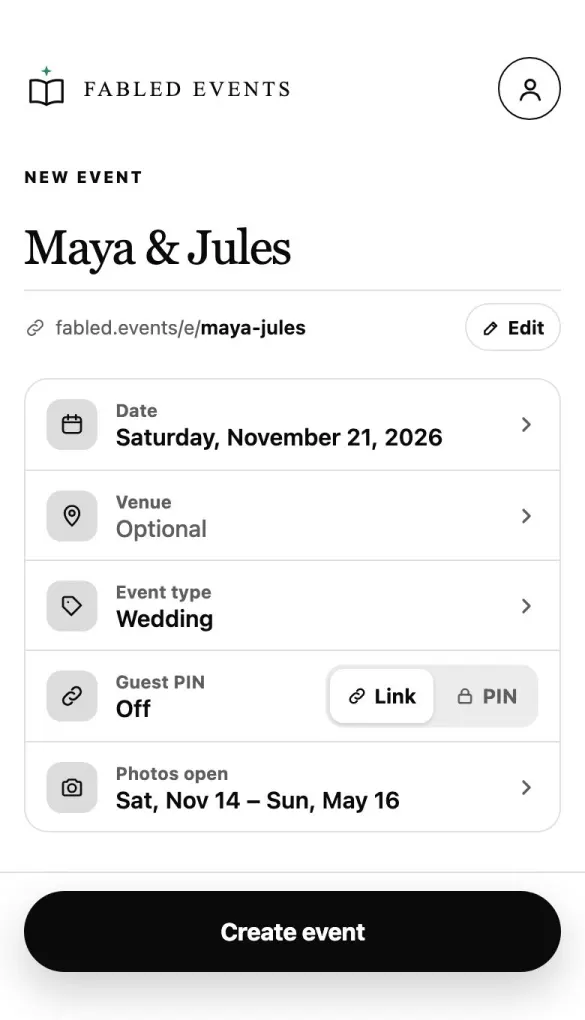
Create your event
Name it, pick the day and the kind of event. It takes about a minute, and the Sampler is free.
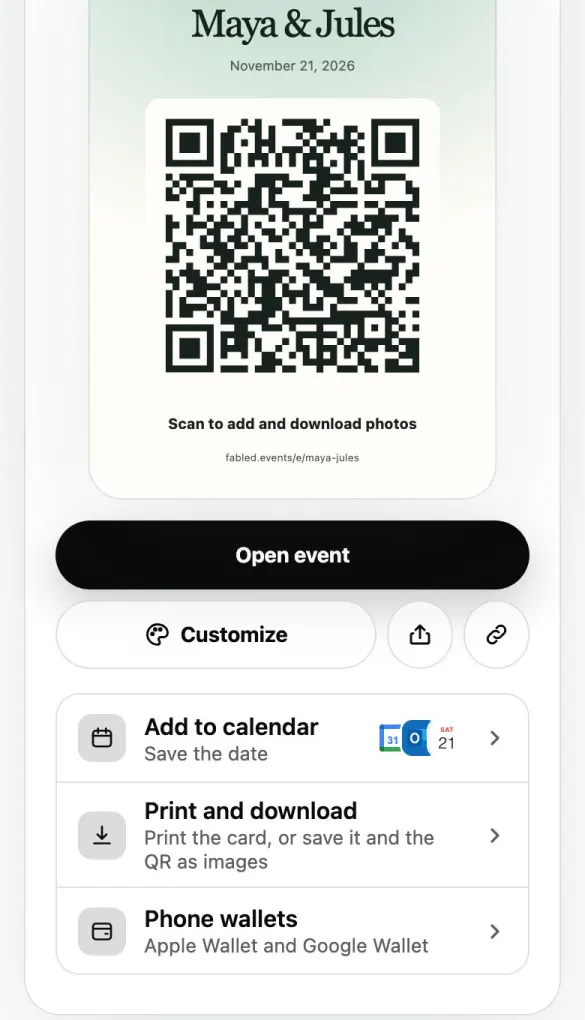
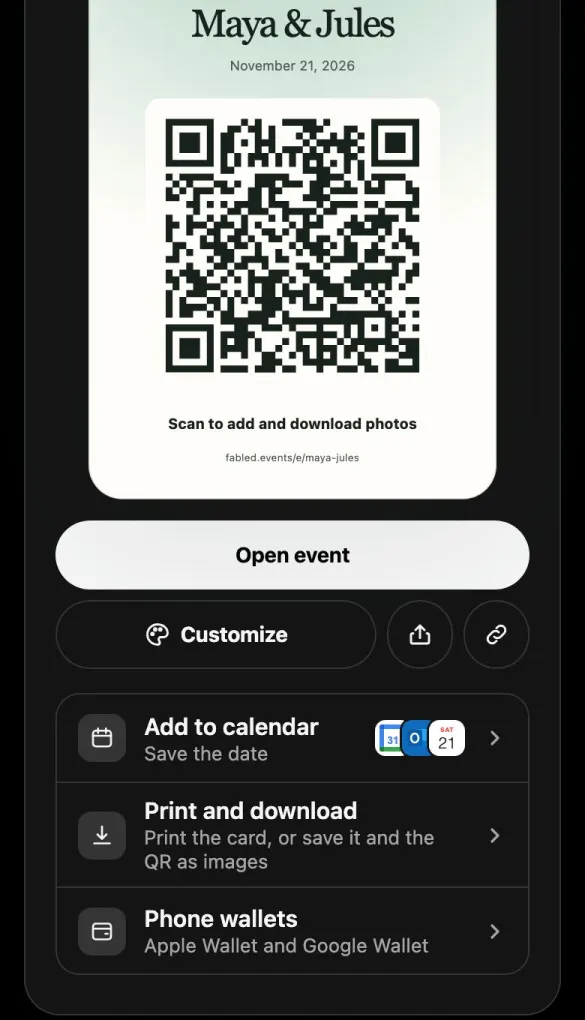
Put the QR code out
Print the card, show it on a screen, or send the link. Any phone camera reads it.
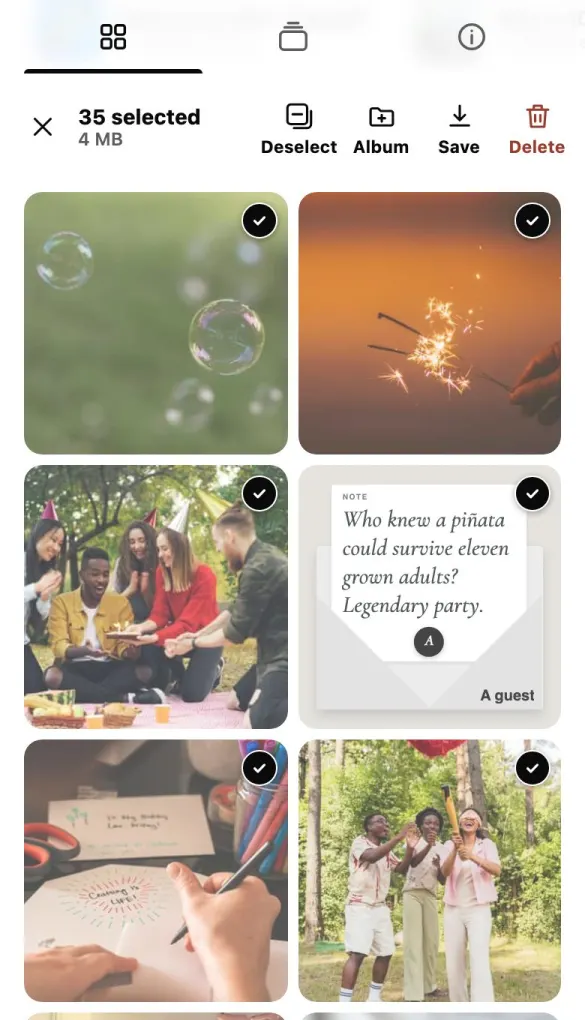
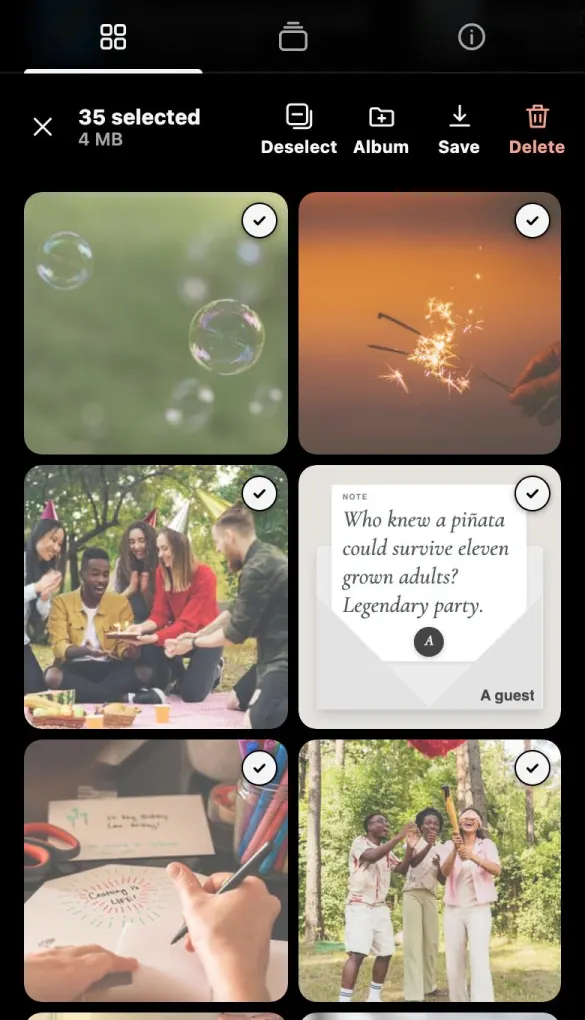
Download everything
Every original, at full quality, whenever you like. Guests can download it all too.
For your guests
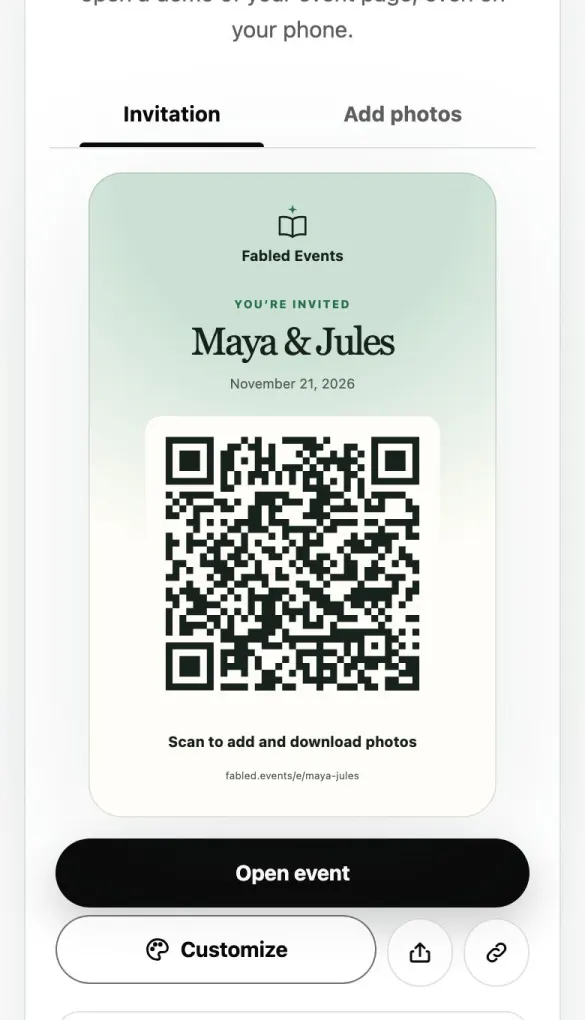
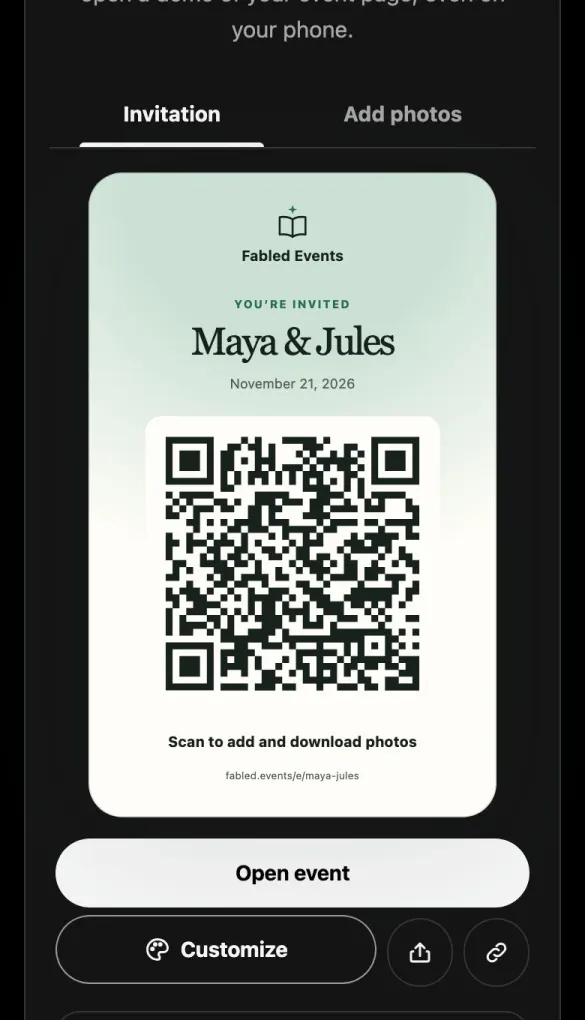
Point the camera
Any phone camera reads the code on the sign. There’s nothing to download first.
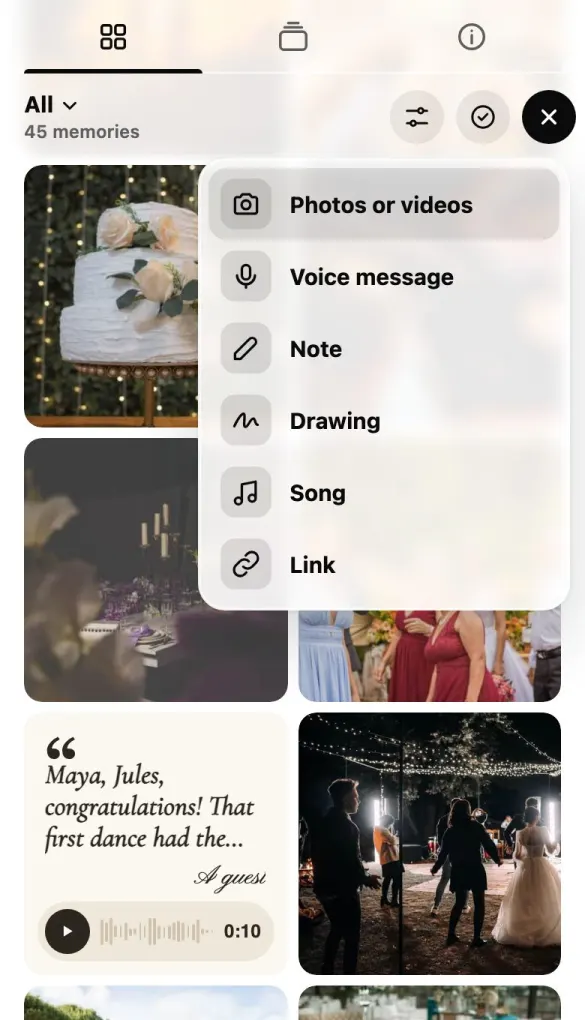
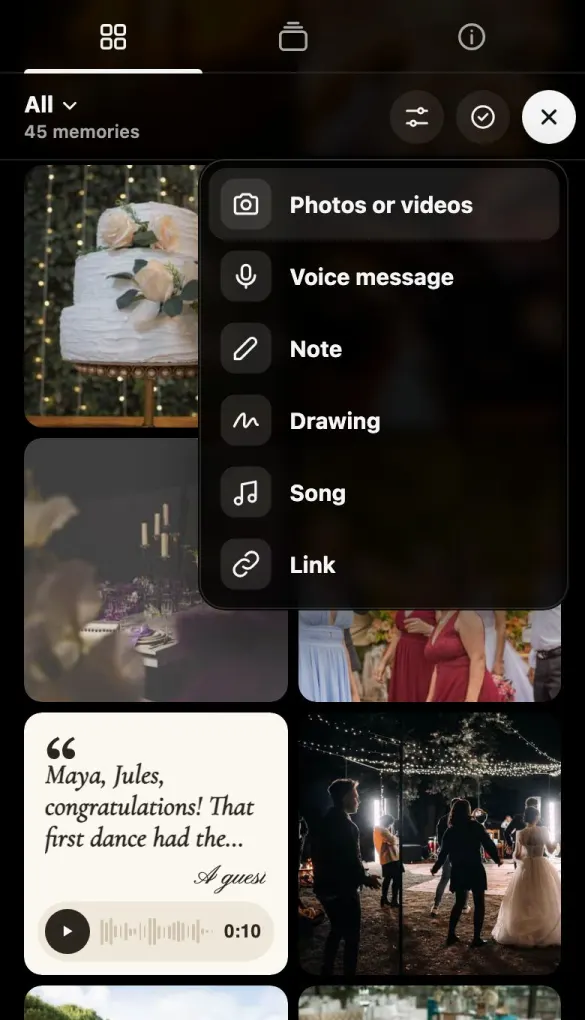
Pick from their camera roll
Photos and videos at full quality, or a quick voice message for the couple.
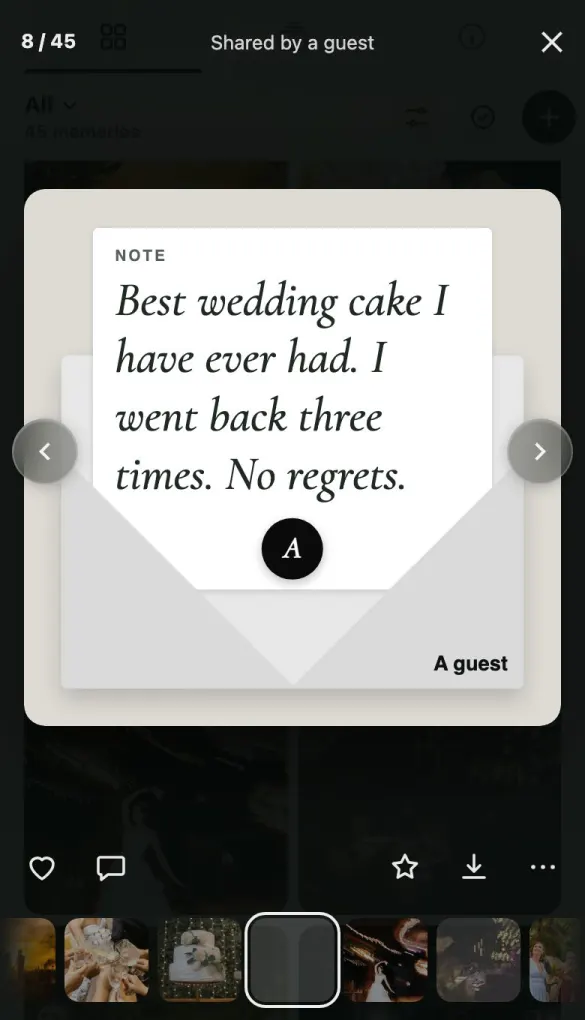
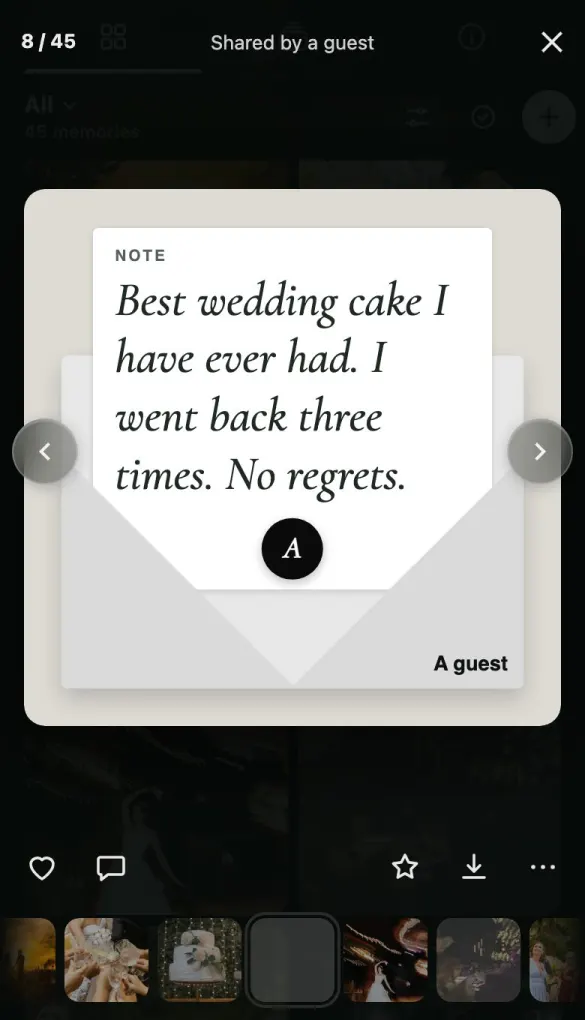
That’s it
Their memories land in your event’s private gallery straight away. Download every original whenever you like.
Good questions
Do guests need an app?
No. They scan the QR code with the phone camera they already have, and the gallery opens in their browser.
Do guests need an account?
No. The event invitation authorizes their browser, so guests can upload and download without creating a profile.
Is the event page public?
Not to strangers. The page won’t show up on Google, and there’s no list of events to browse. Anyone with the link can come in, though, so treat it like a party invite: guests could forward it. For more control, turn on a PIN. Then guests need the QR code or the PIN to get in.